When chief prosecutor for the ICC, brit Karim Khan, arrived at the office in the Hague and sat down over his coffee a morning in May of 2025, he discovered, to his astonishment, that he was locked out from his mail account and was unable to access any of his mails. His Outlook mail account was blocked as a consequence of displeasure from the US goverment.
The court is virtually paralyzed in its work as a result, writes the AP news agency. One reason for this is that it is heavily dependent on service providers such as Microsoft. They had restricted their work for the court because they feared being targeted by the US authorities.
https://www.heise.de/en/news/Criminal-Court-Microsoft-s-email-block-a-wake-up-call-for-digital-sovereignty-10387383.html
If you’re someone who feels a creeping discomfort at the fact that we don’t have power or control over our basic tools — and are therefore at the mercy of foreign powers — here are some tips for European email services you can use to replace Microsoft Outlook or Google Gmail.
Switching your e-mail provider to a European service is a good way of promoting our own infrastructure and ecosystem of vendores within Europe, even if you’re not particularly worried that you yourself would be affected. If we are many who use European services, these services will grow and improve so that we’ll have high quality digital service providers from our own continent. Providers who share our values, follow our laws and pay their taxes here. We’re a market of 450 million people so it’s only natural that we can “support” a number of successfull domestic service providers in this area.
Another reason to switch your e-mail service is to avoid having to be mapped down to the bone and used as raw material to train AI models, surveillance technology, or being psychologically profiled for influence operations by foreign powers.
A Reddit user shared their conversation with the Gemini AI chatbot and was quite shocked to learn that the data used came from their Gmail emails, despite never having allowed access for the Large Language Model (LLM). Gemini was quick to explain that they would not have access to private emails in Gmail, but the conversation proved otherwise…
https://tuta.com/blog/google-gemini-ai-email
Here are some good European options:
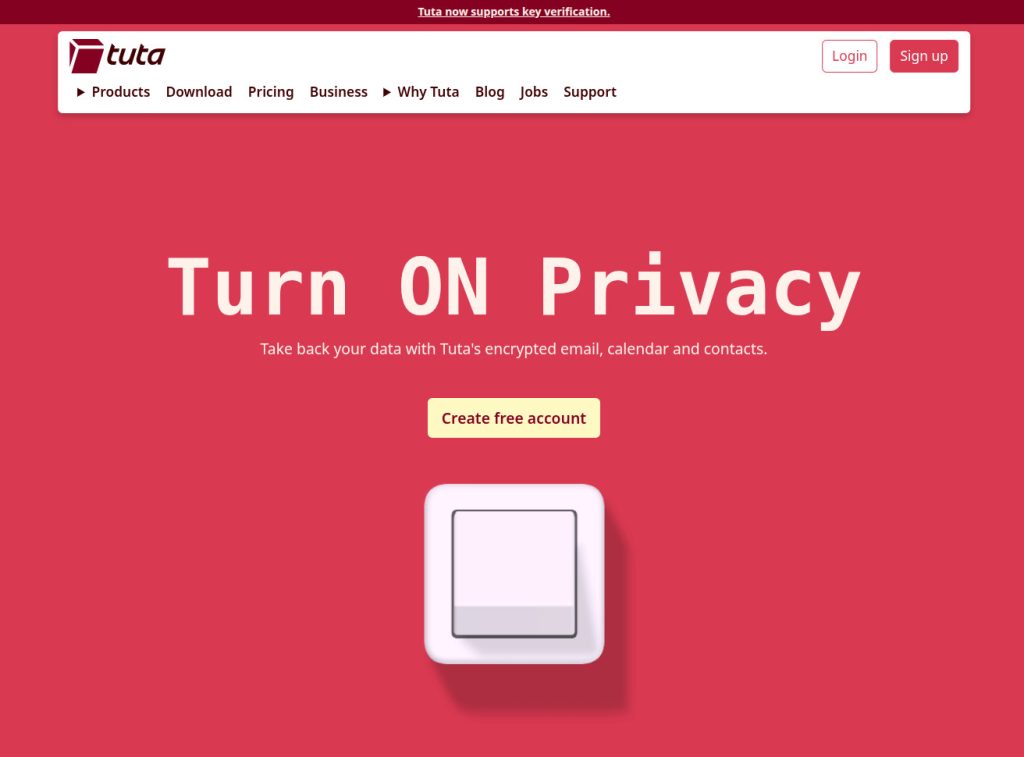
Tuta Mail (Germany, EU)
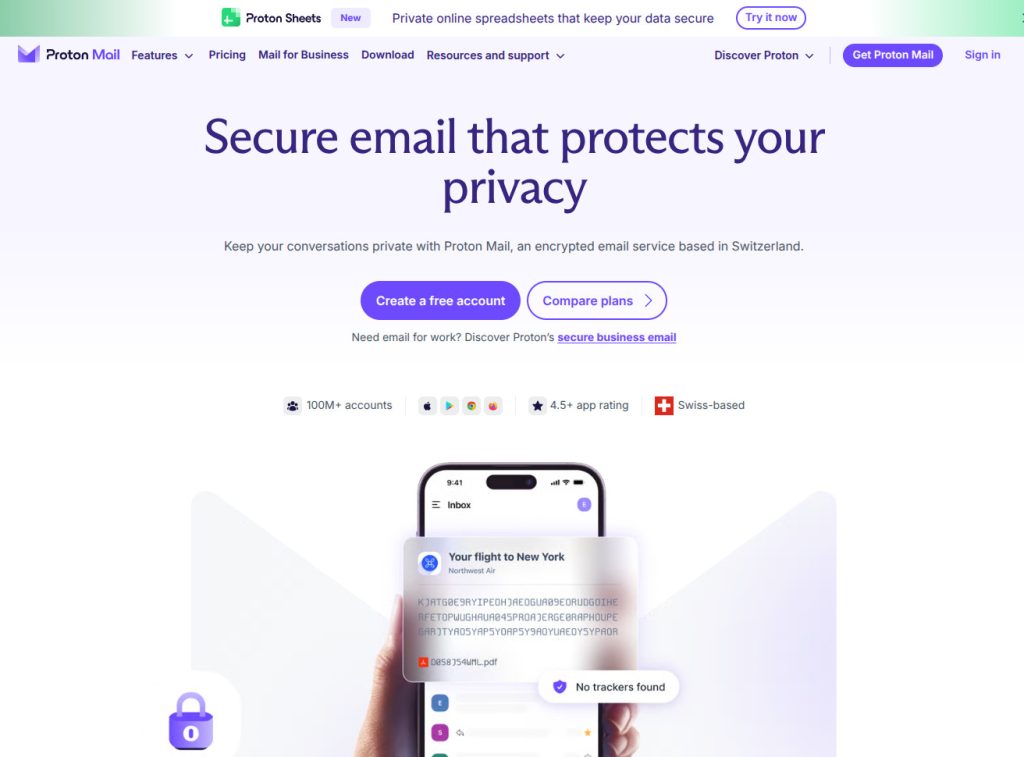
Proton Mail (Switzerland, EES)
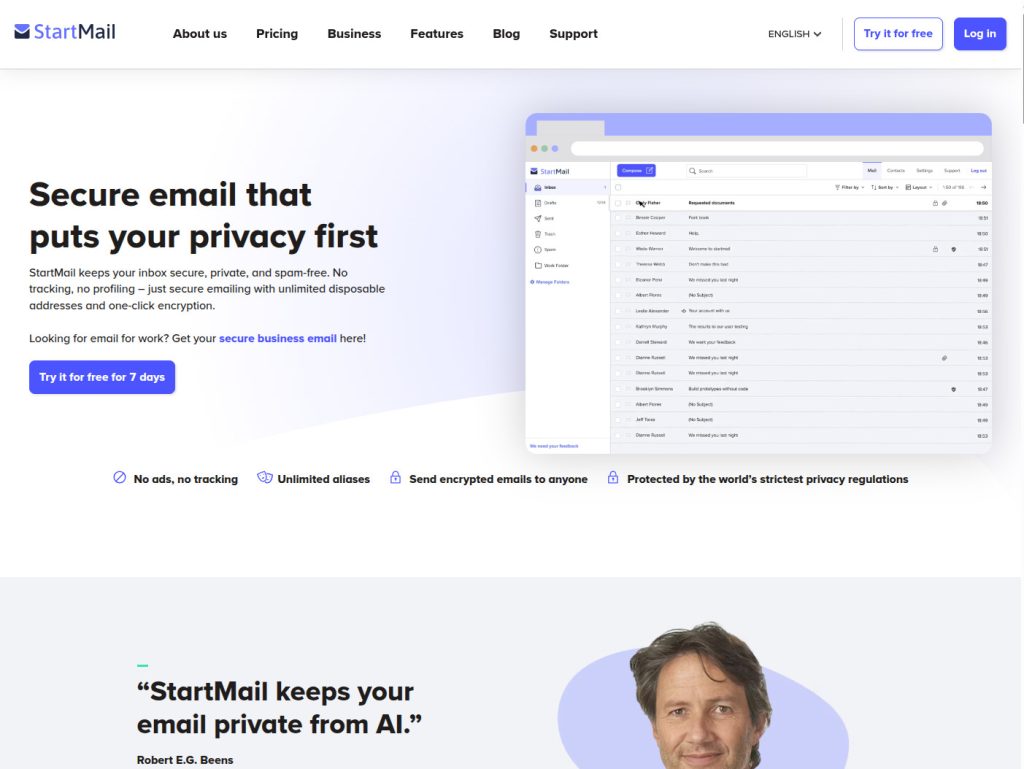
Startmail (Netherlands, EU)
You can of course configure your current Gmail or Outlook to forward your mail to your new account. That way you won’t miss any e-mail still sent to your previous address.
This is how you can foward your Gmail
When switching to a new e-mail provider you’ll likely want new mail to your previous address to be forwarded to the new address, just like you would with paper mail when moving house. Little by little, and at your own pace, when you find the time, you can then update your e-mail with the people and companies who send mail to you. The one’s that you actually do want to receive mail from.
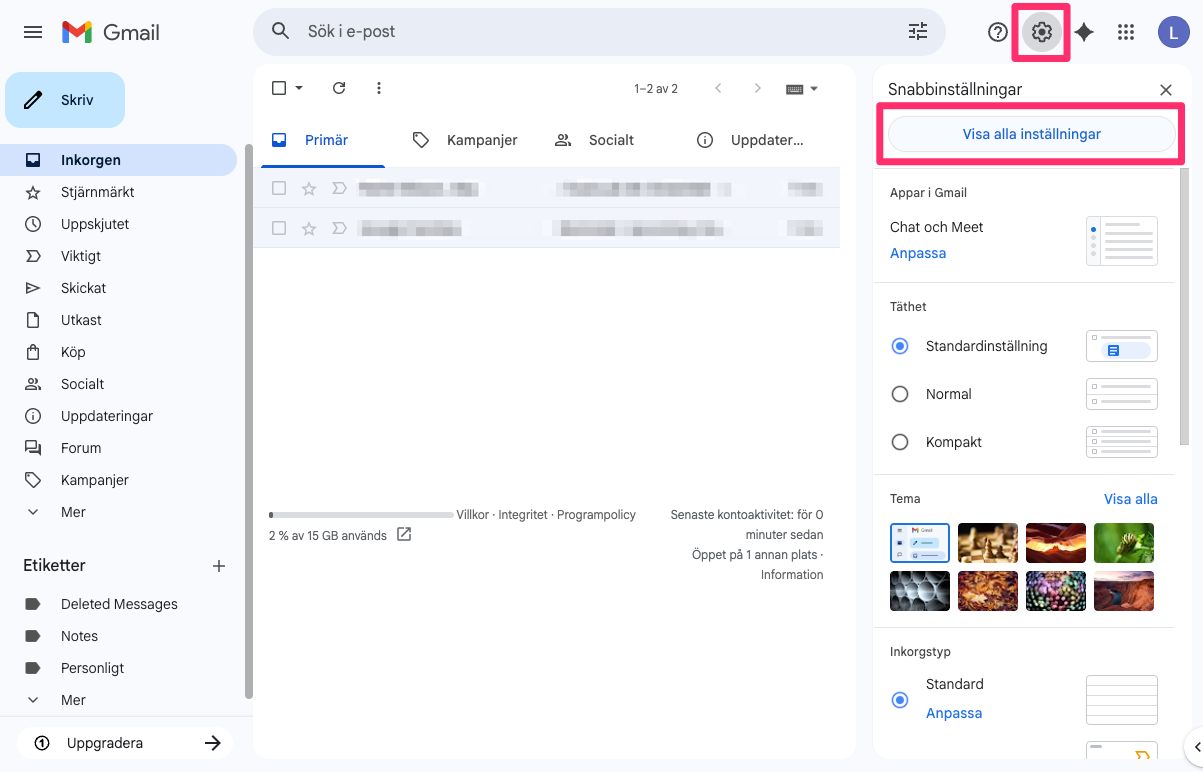
To configure forwarding of you mail from Gmail you click the cog wheel in the upper right corner. A panel opens up from the right and there you click “See all settings”.
In the settings you pick the tab “Forwarding and POP/IMAP” and then the option “Forward a copy of incoming mail to”. Add your new e-mail as the “to” address and choose wheter you want to keep a copy on the server or not.
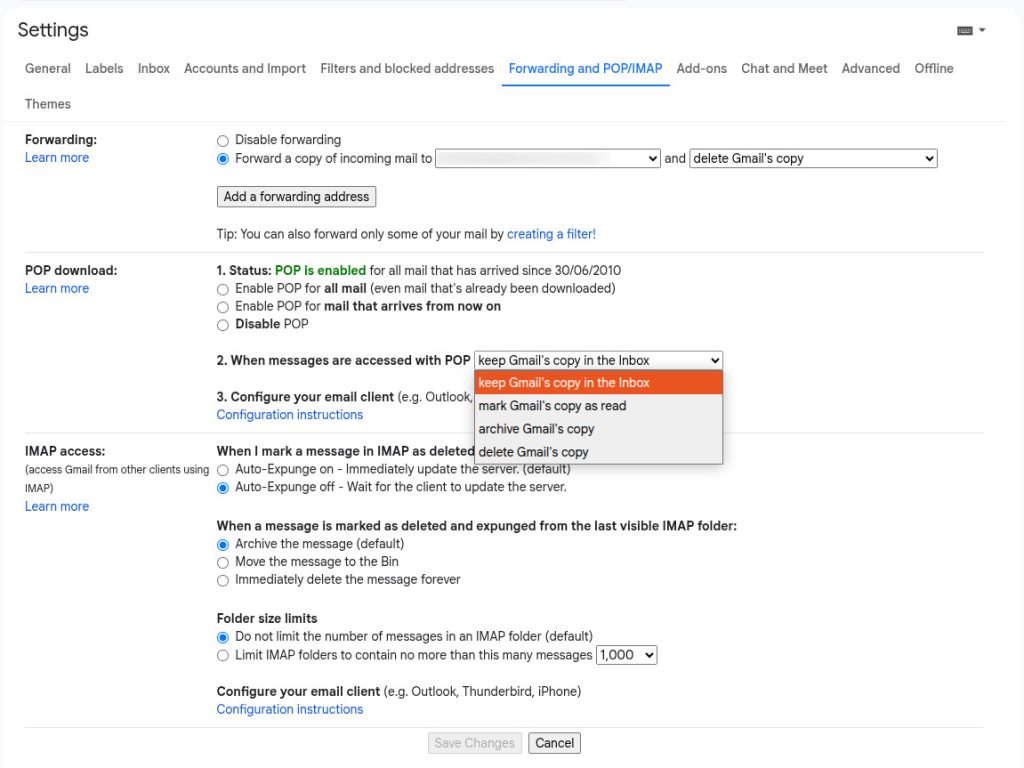
Initially it may feel reassuring to know that you still have your incoming mail in the old account, but over time, as you feel confident in having made the move to a new e-mail provider, you can change this setting to delete mail after is was forwarded. That’s the option I have chosen: “delete Gmails copy”.
Scroll down to the bottom and press “Save changes”. Done.
Bonus:
You can also creste a backup of all your mail in Gmail. Maybe you, like I had, have 10-15 years of accumulated mail in your Gmail account? In that case you can download a backup and either store it somewhere safely or, if you so choose, import it into your new e-mail account. Importing it may however not be included in the free version of your new service. You can of course always open the backup:ed mail in a mail client on your desktop, such as Thunderbird.
To backup your e-mail you click your user avatar, the round circle in the upper right corner. In the menu that opens you choose “Manage your Google account” and then “Data and privacy”. You then need to find the section called “Download your data” and click that to open “Google takeout”.
The easiest option is probably to first click “deselect all” and then find the row “Mail” and check that. Continue to the next step and then choose your options in “Choose file type, frequency and destination” and then “Create export”. Google will create your backup for you and notify you via mail when it’s ready. Once you get the mail you can download the zipped file (or files) to your computer and store them in your archive.
